
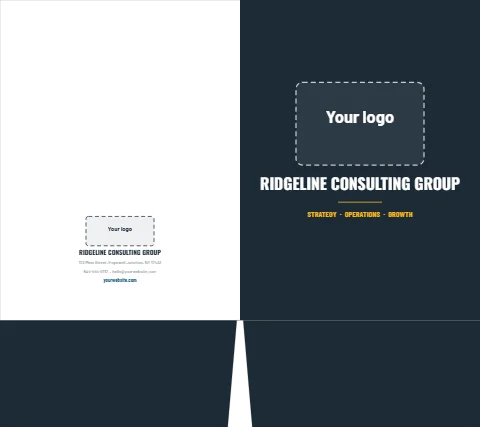


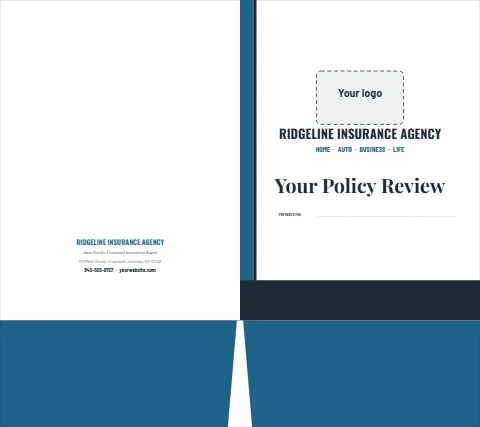


How a folder is laid out
The designer shows the folder opened flat, the way it prints. The back cover is on the left and the front cover on the right; under them are the faces of the two pockets, which fold up into the folder, so anything on them reads upside down on the screen and the right way round in your hand. The templates keep words clear of the spine, the pocket fold and the V cut between the pockets, and the designer marks each one.
What goes where
- Front cover: your logo, your name and one line about what you do, or the title of what is inside, such as a proposal or a new patient packet.
- Back cover: your address, phone and web address, where a client looks for them.
- Inside: a short welcome, what to bring or what happens next, and lines to write the client's name or the next date. Nothing prints on the inside of the pockets.
- Business card slits: add them to either pocket in the designer; the templates keep words clear of them.
Sizes and paper
Folders come in 6" × 9" for half-letter pages and cards, 9" × 12" for letter pages, and 9" × 14.5" for legal pages, on 14 pt card with a high-gloss UV coating or a smooth matte finish. Print the outside only, or the outside and the inside. Match them with letterhead, envelopes and business cards in the same look.